Cellar Sign Studio · Free resources
Winery & Brewery Awards planning tools
Cellar Sign Studio offers eight free planning tools for wineries, breweries and distilleries. They count signs per tasting station, check whether a long wine name fits an engraving line, draft dedication wording and compare two materials. Two more step backward from an opening or release date to the date your winemaker has to sign the proof. Nothing is calculated except the figures you type.
Permanent venue identity and a changing tasting list need different update strategies. Consider whether the holder can remain while a printed or engraved insert changes. Keep wine names, vintage references and prices in an approved content file, and separate commemorative pieces from everyday service signs.
calculator
Quantity Calculator
Total the pieces a tasting room needs from the number of hosts or stations, the pieces each one gets, extra venue signs and any spares you choose.
calculator
Budget Estimator
Add up what a sign or plaque order will cost from numbers you supply: quantity, unit cost from your quote, setup, packing and shipping, and tax or duty.
checker
Engraving Text Length Checker
Paste the wording for a bottle display or cask plate and see a character count per line, so long grape names and dedications are caught early.
calculator
Shipping & Timeline Estimator
Start from the morning your tasting bar gets dressed and step backward through receiving, transit, making and proofing to find the last safe ship date.
checker
Material Comparison Tool
Put walnut next to acrylic, or copper-tone metal next to wood, for one tasting room piece and learn what to specify before choosing.
planner
Production Timeline Planner
Lay out a sign order in reverse from the date it must arrive, with a start date for proof review, production, transit and receiving.
generator
Engraving Wording Generator
Enter a recipient or place, the occasion and the date to get editable wording drafts for a dedication plaque, cask plate or staff award.
planner
Table & Menu Sign Quantity Planner
Count the menu displays and service signs a tasting room needs from its tables or stations, signs per station, entrance signs and spares.
A useful order plan, in three decisions
Step 1
Count the actual pieces
Start with the recipients, positions or physical units in your order. Distinguish shared pieces from personal ones, and count packaging separately. Use the quantity tool to reconcile the inventory before discussing a product price.
Open the toolStep 2
Prepare the words and design
Choose the material direction around the intended use. Check exact names and identifiers, then use the text counter to edit line lengths. The final proof needs the product dimensions, artwork and approved wording together.
Open the toolStep 3
Review cost and timing
Enter current quoted costs into the budget tool and confirmed stage durations into the timeline. Keep unknown amounts or dates visible in your brief. The calculation helps you evaluate a proposal; it does not reserve production or purchase shipping.
Open the toolDetails to retain for your order: Station reference, current content, replaceable elements and cleaning conditions.
Choose the pieces your plan describes
Use these designs to discuss the physical format, personalization and intended use. The images are original AI-generated concepts; final dimensions, material and construction are developed in the quote and proof.
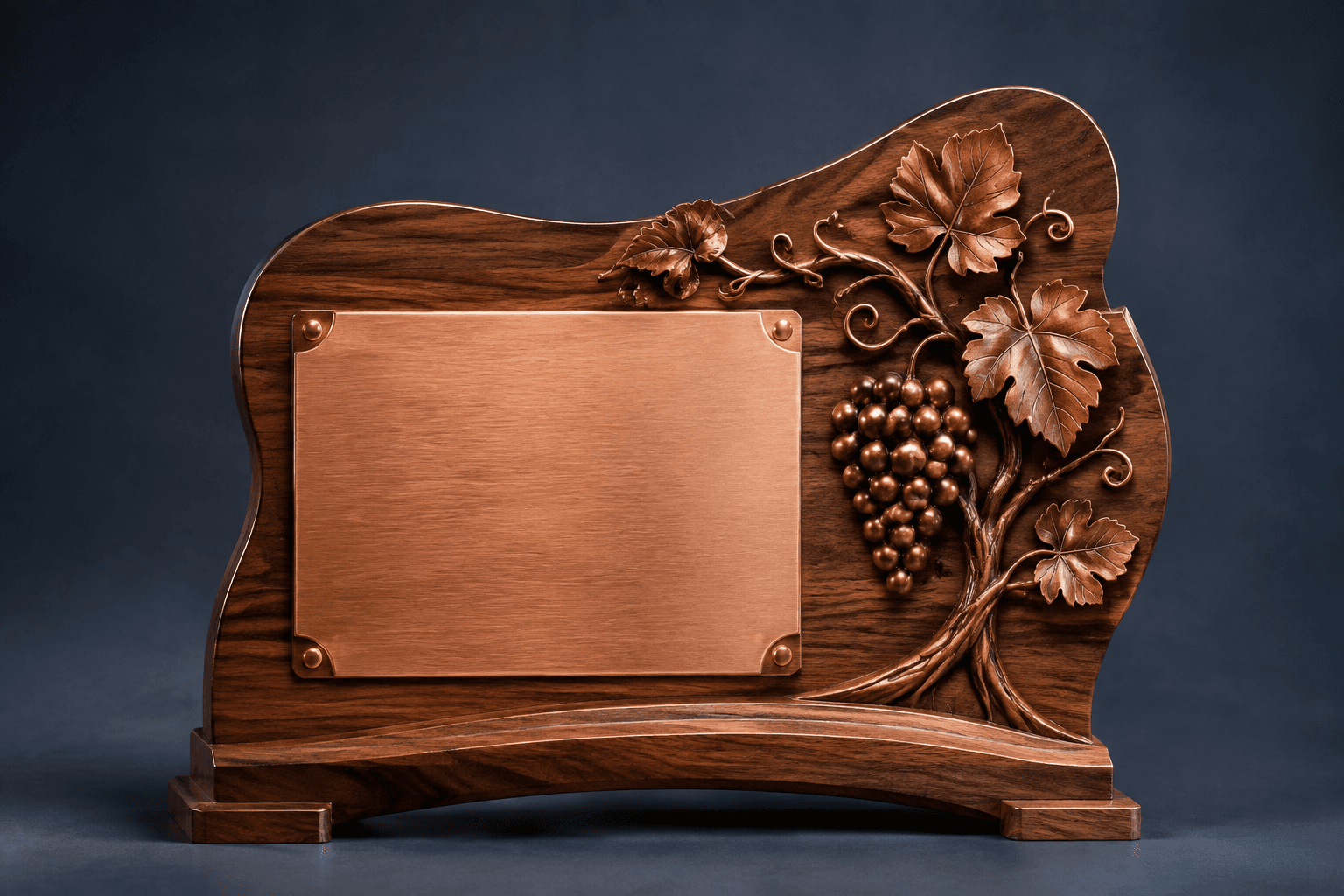
Design concept · Walnut and copper-tone metal
Tasting Room Sign in Walnut & Copper-Tone Metal
Choose whether the piece identifies the whole venue, a tasting area or a named barrel. That purpose determines the wording and scale; keep changing vintage lists and prices in an updateable menu format.
Explore the design and personalization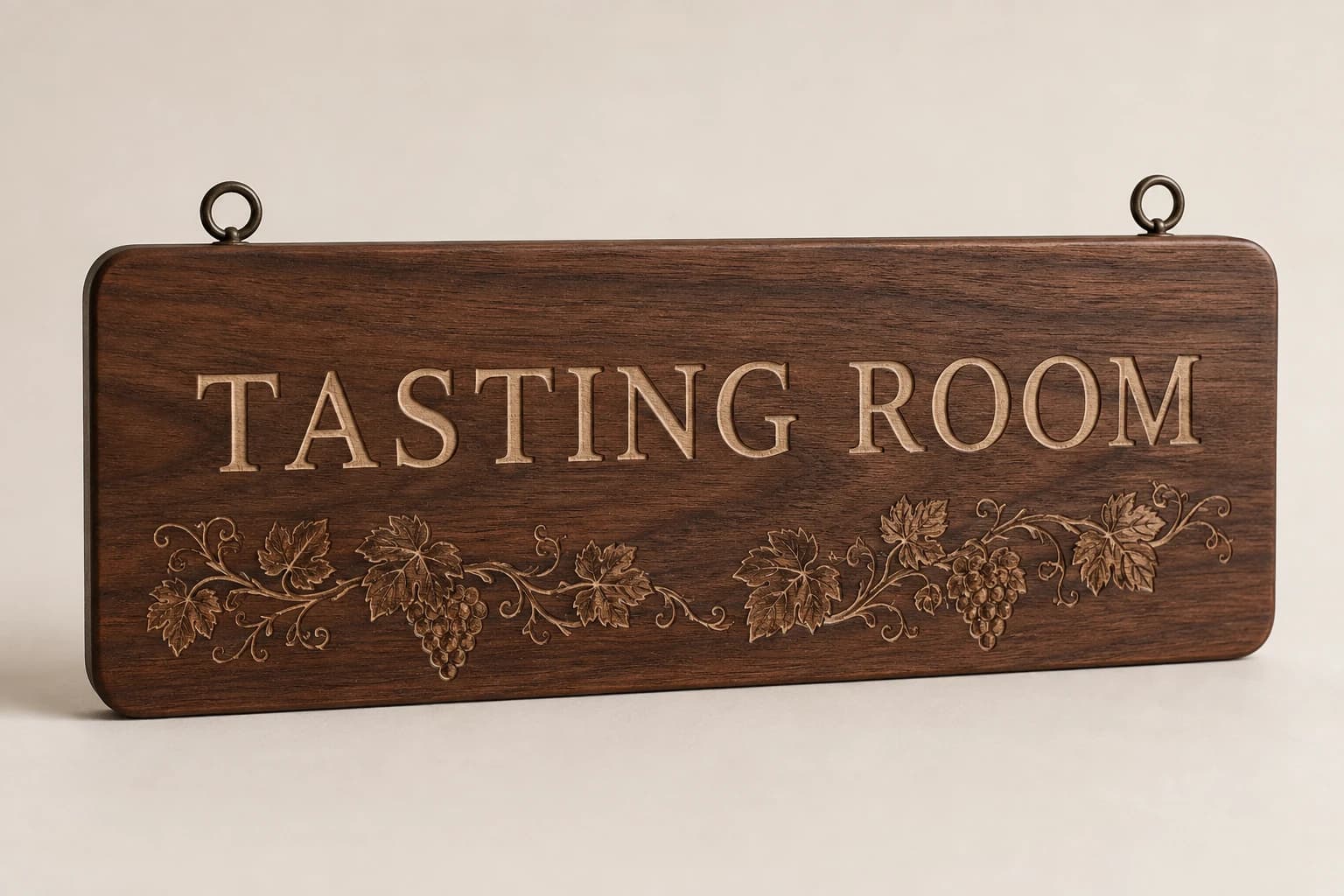
Design concept · Wood, metal, or acrylic
Tasting Room Sign
Start with the wall or entry location and the distance visitors will read it. If hours or reservation instructions change, keep them on a separate notice so the main sign remains useful over time.
Explore the design and personalization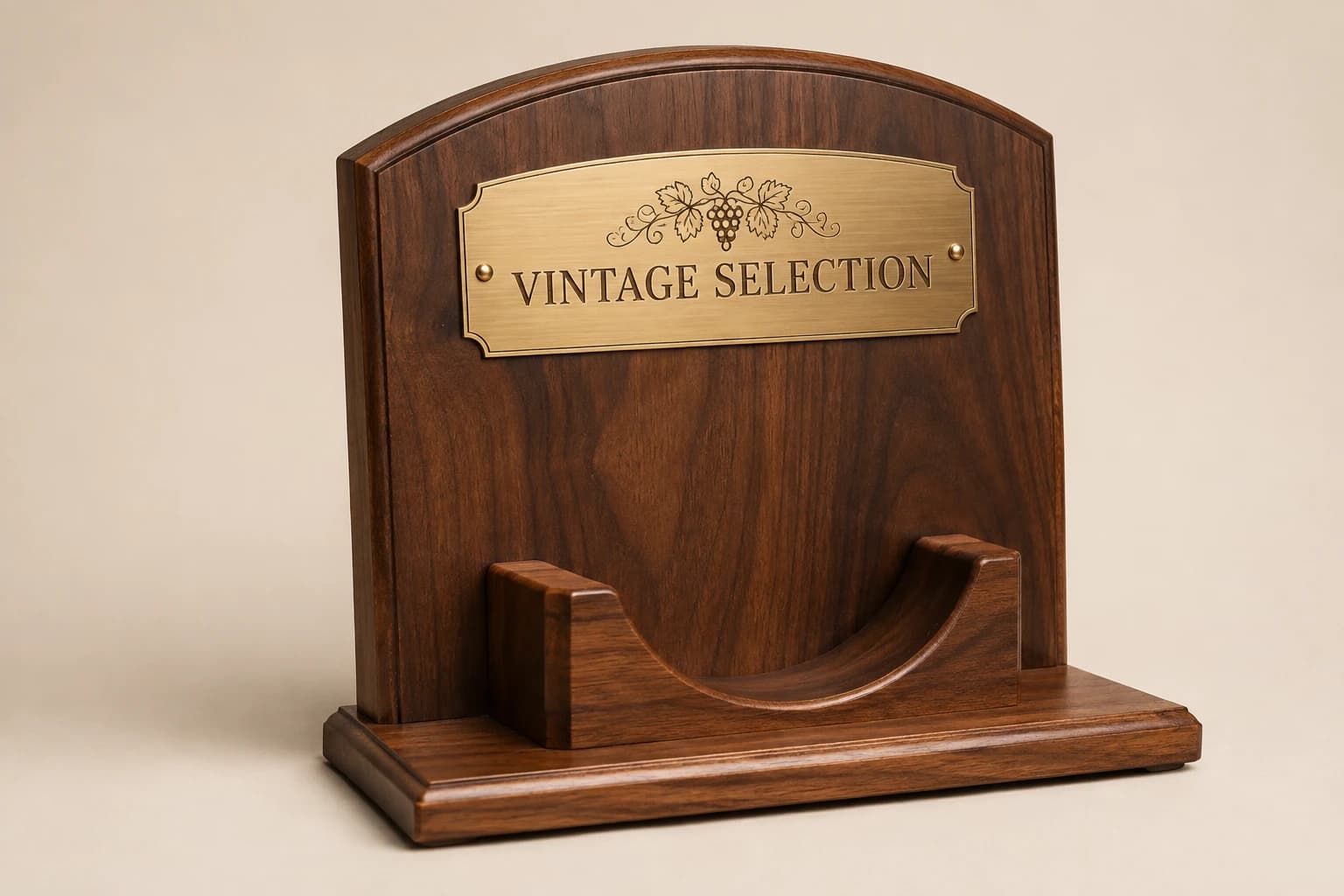
Design concept · Wood or acrylic
Bottle Display & Award Plaque
Measure the bottle and decide whether the plaque stands beside it or includes a holder. Reproduce award details exactly as granted, and keep vintage, producer and competition year separate when they differ.
Explore the design and personalization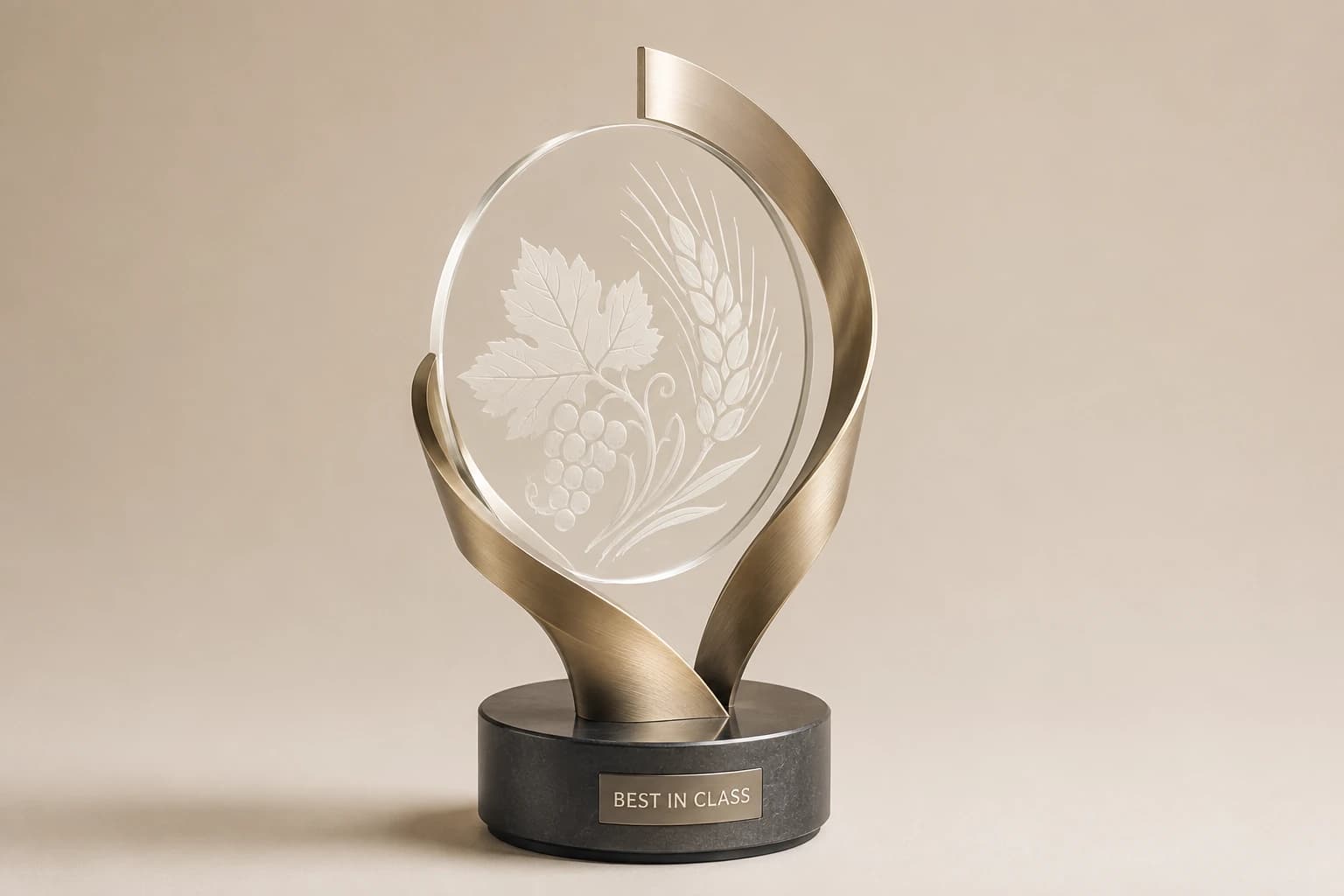
Design concept · Metal and acrylic
Wine & Beer Competition Trophy
Use the organizer's exact medal or placement and the correct entry name. A best-in-category award and an overall winner are different distinctions; the inscription should preserve the result that was actually awarded.
Explore the design and personalization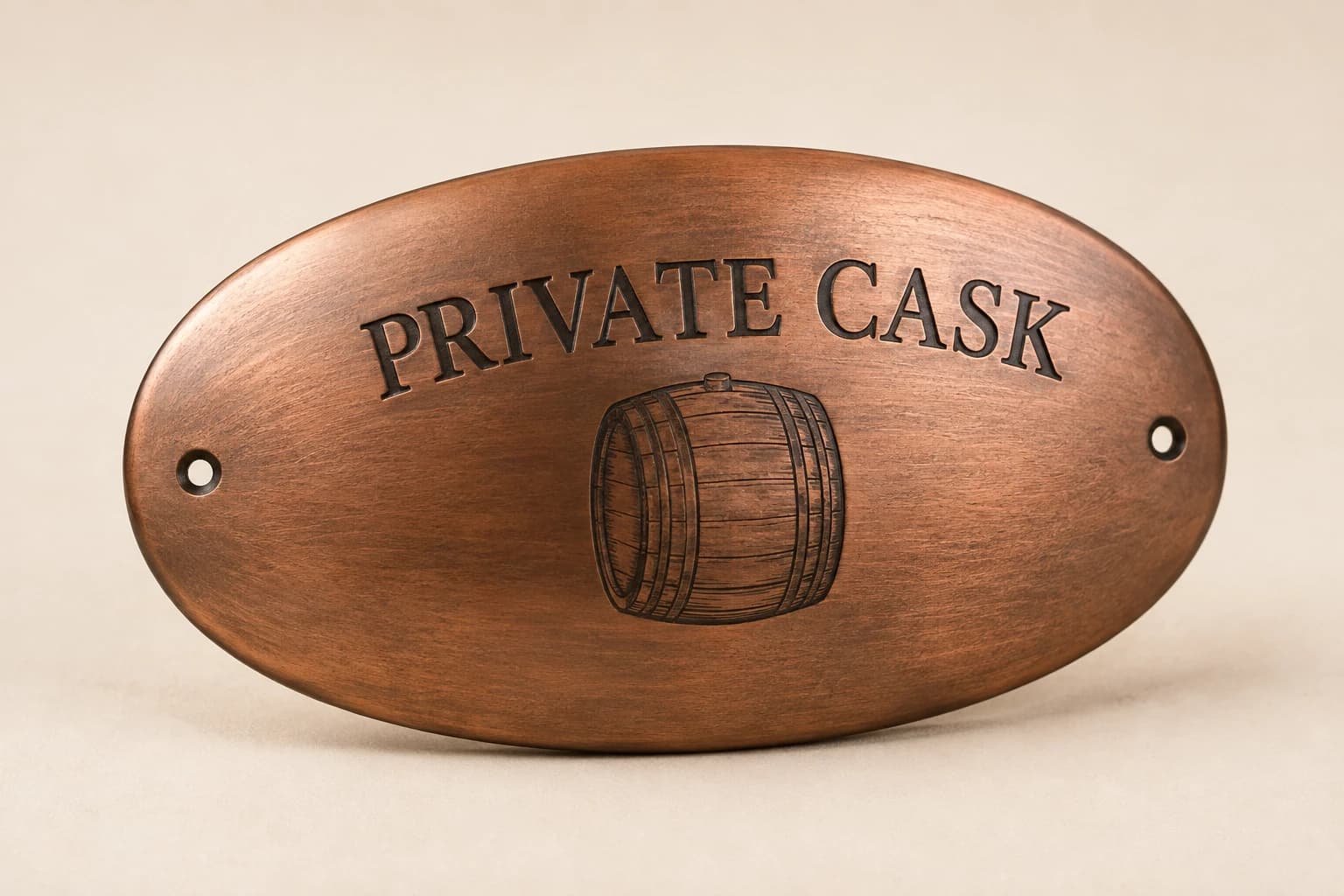
Design concept · Wood or metal
Barrel & Cask Dedication Plaque
Provide the surface curvature and usable dimensions before choosing the plate. Specify whether the barrel is decorative or active equipment, and have the operator approve the mounting method for that intended use.
Explore the design and personalizationFrom planning result to a useful quote request
The calculators run in your browser. Where a tool offers a quote button, choosing it saves the result as a draft for this brand in the same browser tab. Review the message on the quote page and add the product, material, dimensions, destination and required date. The draft is sent only when you submit the contact form.
Worked examples explain the arithmetic and wording choices. They use sample details and do not represent completed customer orders. Keep your actual names and identifiers in your approved source file, and ask for written confirmation of the final design, price and delivery plan before production.
Which buying guide should you read next?
All buying guidesCellar Sign Studio tasting-room sign schedules should begin with the next action a guest needs to take, then assign a physical display to the approved location. For worldwide projects, separate arrival, tasting and checkout information from decorative venue identity. Count the resulting pieces after the guest path and current content are reviewed.
A supplier-side guide for wineries running barrel programs: what to engrave, how to collect member names cleanly with a downloadable intake template, how to batch orders per release and how to plan for barrels that go home at the end of a term. Cellar Sign Studio engraves the approved member list.
Cellar Sign Studio bilingual tasting-room signs should help the same guest action in both languages while preserving approved wine names and vintage references. For worldwide orders, assign language reviewers before artwork is released. A translated heading, a product name and a price are different fields and should not be revised as one block.
Cellar Sign Studio bottle-display orders should count complete display assemblies separately from the bottle positions they contain. For worldwide projects, provide the actual bottle dimensions and intended use for review. A display with four positions is still one ordered assembly when that is the construction described in the written proposal.
Cellar Sign Studio quote
Send your winery and brewery award plan for pricing
For winery and brewery awards, Cellar Sign Studio prices from the piece, position, quantity, wording, artwork, setting and arrival. Paste the planning result into the message.